Start here
Getting started
Install BeachGrade, allow your location if you like, and find, open and save your first beach. No account and no sign-up.
Updated November 20, 2026
Install
- On your iPhone, open the App Store and search for BeachGrade: Beach Water Grades.
- Tap Get. The app is free.
- Open it. It starts on the Map.
There's no account to create and nothing to sign in to.
The four tabs
| Tab | What it's for |
|---|---|
| Map | Every beach on a map, with cards along the bottom for the ones in view. Near me and the Warm, clean water planner are the buttons at the top right. |
| Search | Find a beach name, county or state. |
| Saved | The beaches you saved, and Compare. |
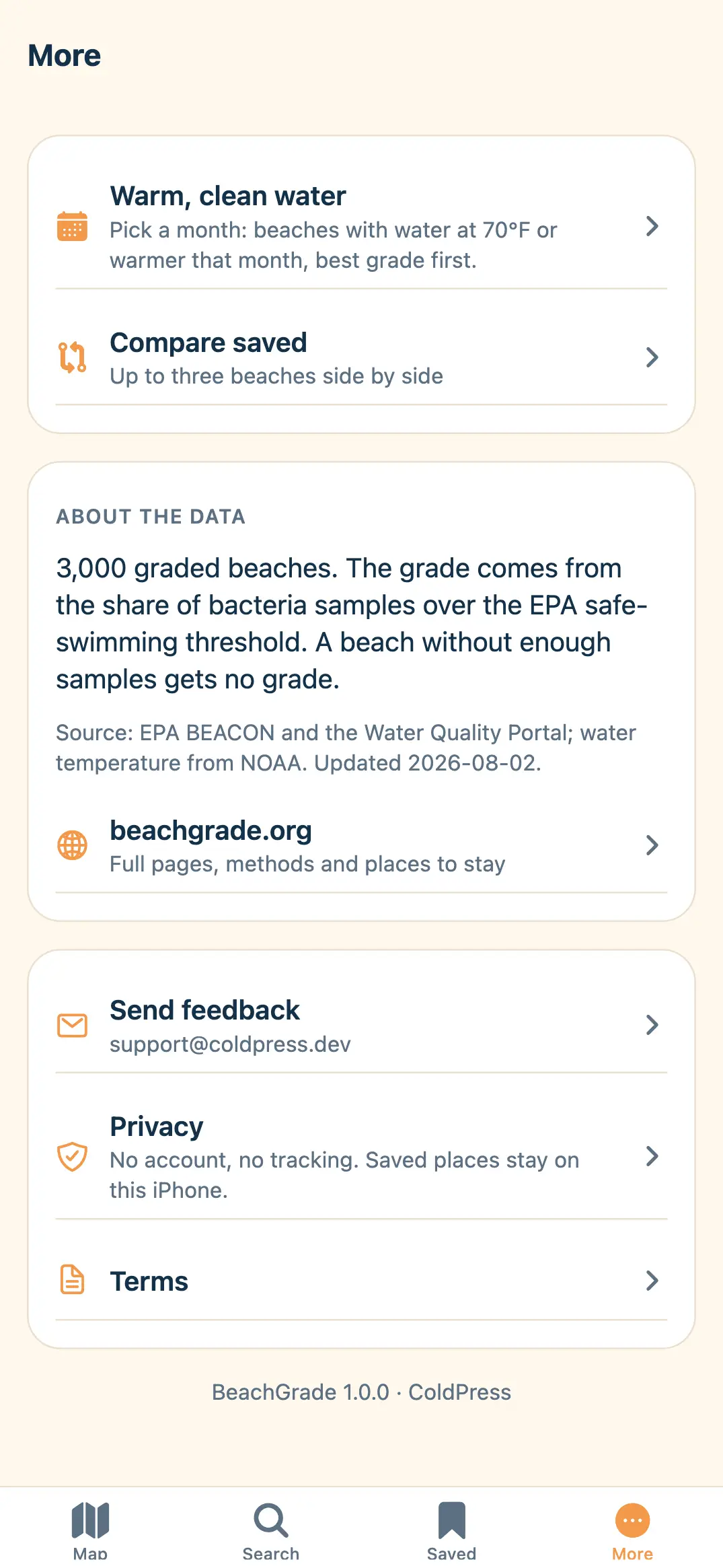
| More | The planner, Compare saved, BeachGrade Plus, Restore purchases, About the data, Send feedback, Privacy and Terms. |
Find your first beach
- On the Map, move and zoom to an area, or tap Near me (the arrow at the top right).
- Tap a card along the bottom, or a pin, to open the beach.
- Tap Save to keep it in Saved.
Permissions
| Permission | Why |
|---|---|
| Location (While Using) | Only when you tap Near me, to show the beaches near you and sort by distance. It's used on the phone and isn't sent to us or stored on a server. |
BeachGrade doesn't ask for notifications, contacts, photos or tracking. You can turn location off any time in iPhone Settings → BeachGrade.