How-to guides
The map and search
Move the map, use Near me, read the pins and cards, and search for a beach name, county or state.
Updated November 20, 2026
The map
The Map tab shows every beach with a location. The map legend shows the grade colors. Beaches without enough samples have no grade. The pin and card labels always pair a color with words, so you never have to rely on color alone.
- Pinch and drag to move around.
- Cards along the bottom follow what's in view (up to 25). Swipe them sideways.
- Tap a card or a pin to open that beach.
Near me
Tap the arrow button at the top right. The first time, iOS asks to allow your location while you use the app. The map moves to where you are, and cards show the distance in miles. Your location stays on your phone.
Search
- Tap Search.
- Type a beach name, county or state. Results update as you type; every word you type must match.
- Tap a result to open it.
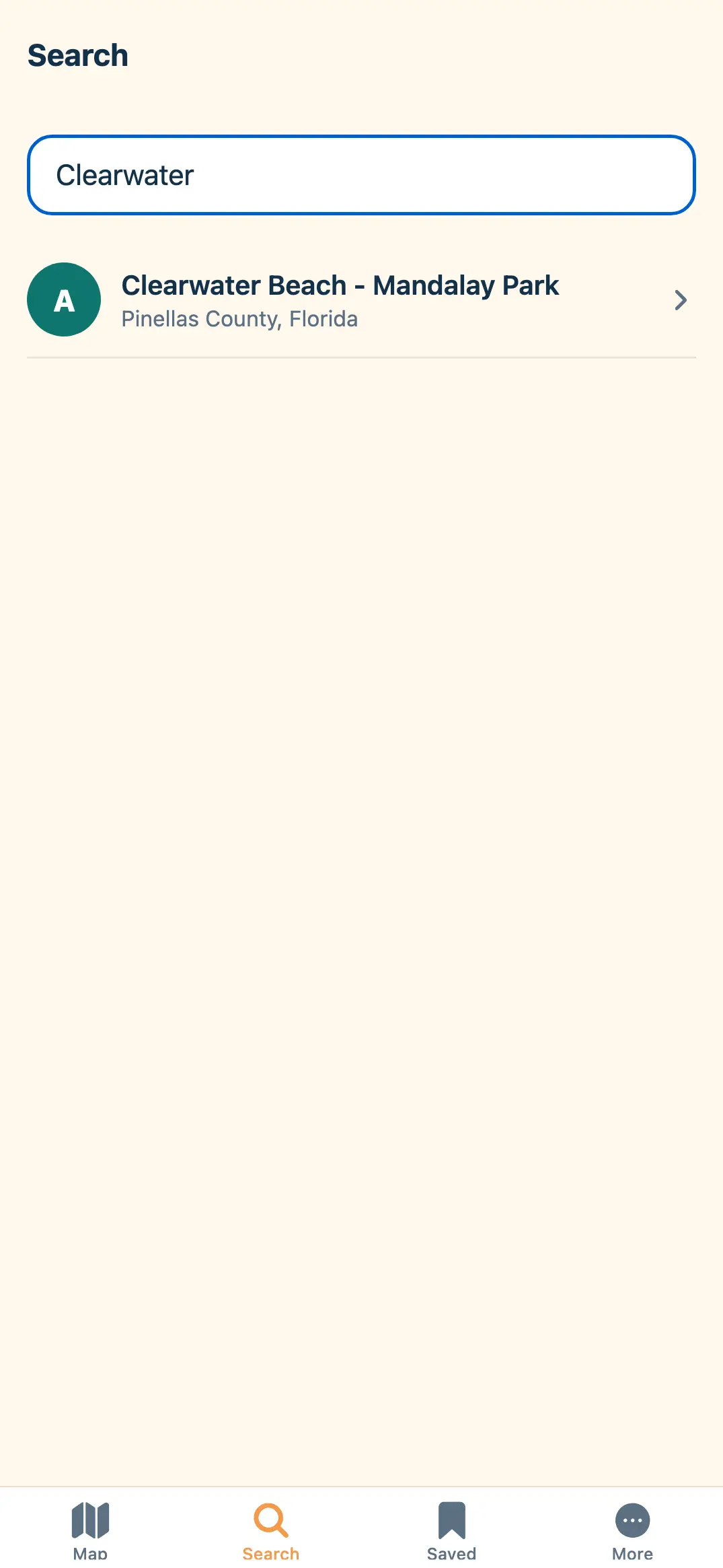
Searching works offline, because the data is inside the app.