How-to guides
What a beach page shows
Everything on a beach's page in BeachGrade: the readings, the record, Save, Directions, Share, places to stay and the full page on the website.
Updated November 20, 2026
Open any beach from the Map, Search, Saved or the planner.
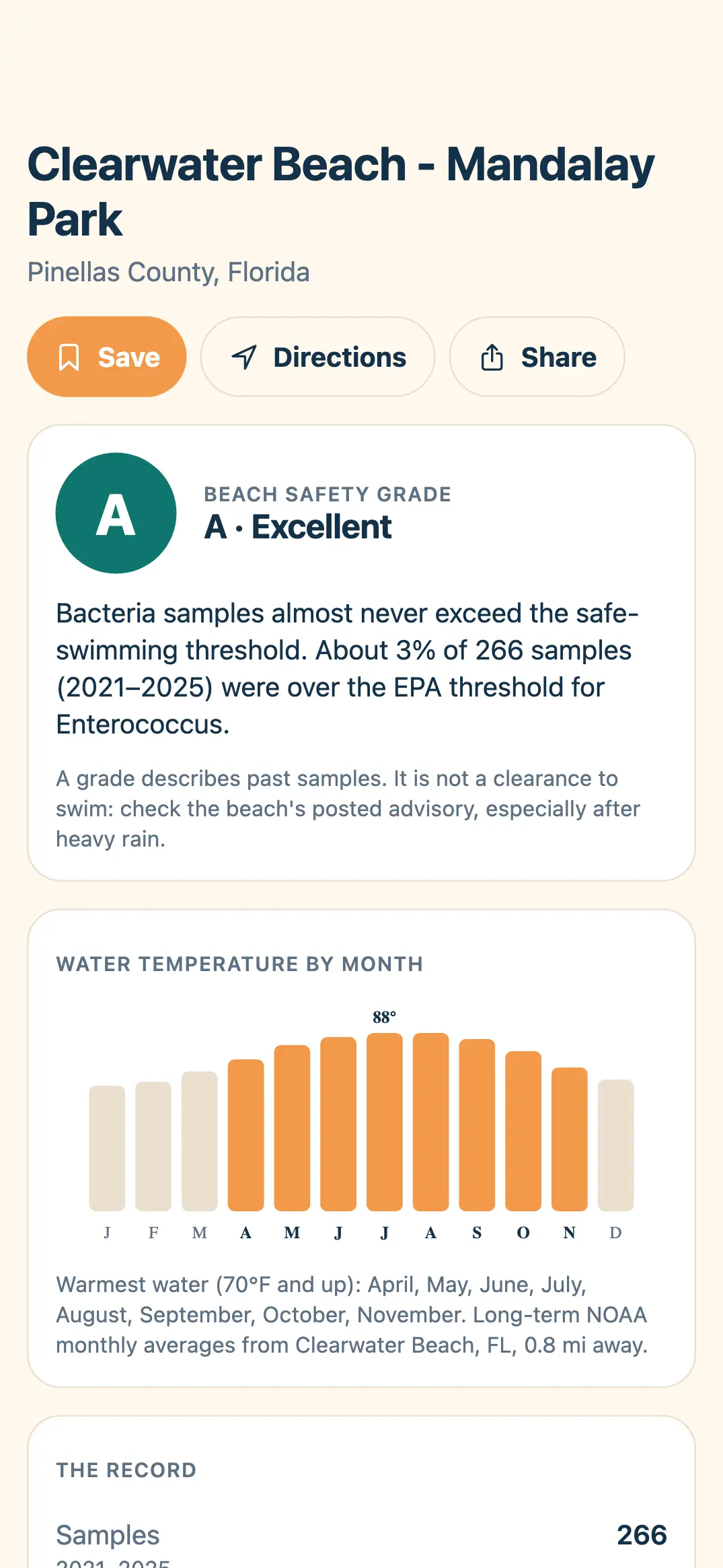
What's on it
The page shows the Beach Safety Grade and what it means, any advisory in effect, Water temperature by month, and The record: samples, the share over the safe-swimming threshold, confidence, the kind of water and the advisory status.
A grade describes past samples. It is not a clearance to swim: check the beach's posted advisory, especially after heavy rain.
The buttons
- Save keeps it in the Saved tab. Tap again to remove it.
- Directions opens Apple Maps with directions there.
- Share sends a link to its page on beachgrade.org.
- Places to stay nearby opens places to stay listed by Stay22 on our website, when there are any.
- Full page on beachgrade.org opens the website's page in Safari, with methods and more detail.
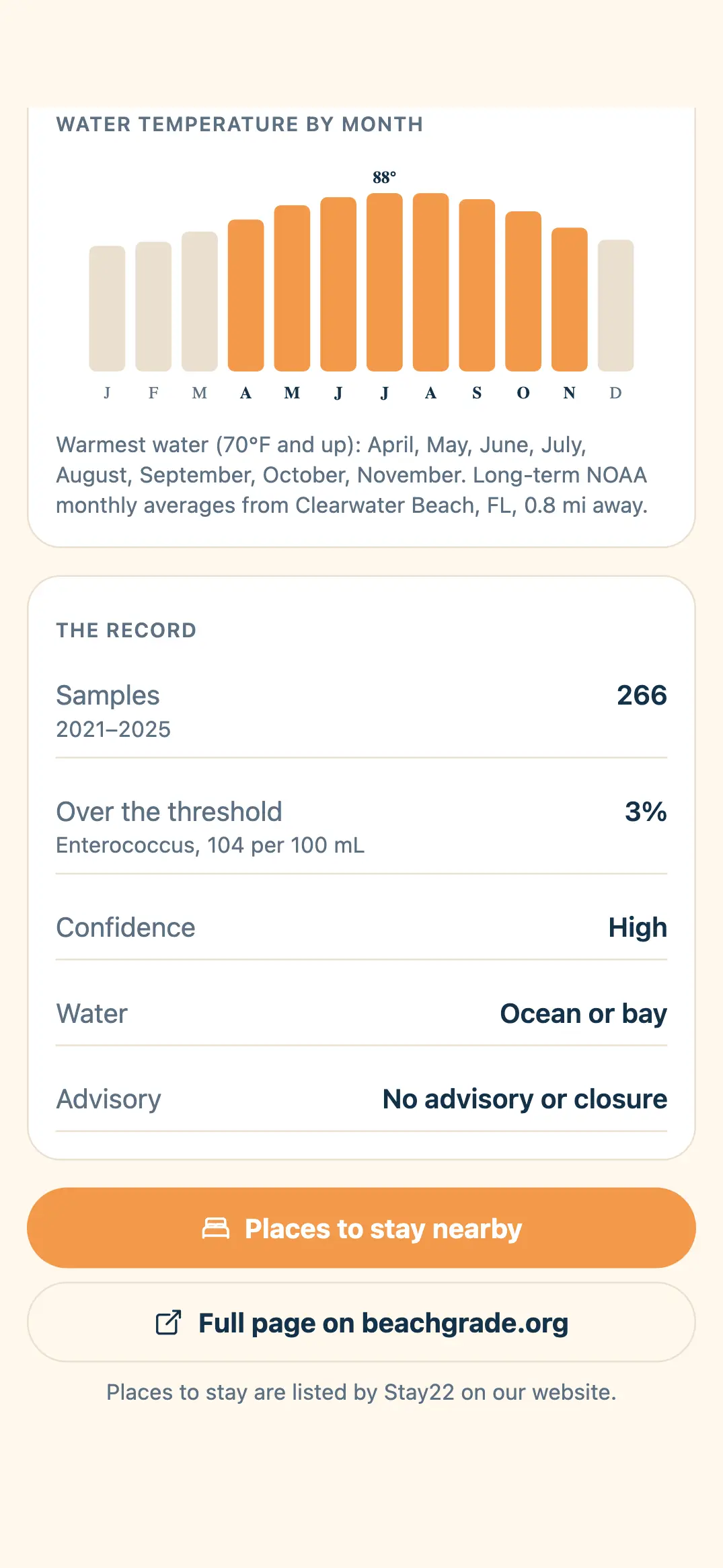
"No reading" means there's no measurement for that item; the app never guesses.