How-to guides
Saved and Compare
Save beaches to your iPhone, find them in Saved, and compare up to three side by side with BeachGrade Plus.
Updated November 20, 2026
Save a beach
Open it and tap Save. It appears at the top of the Saved tab. Tap Save again on its page to remove it.
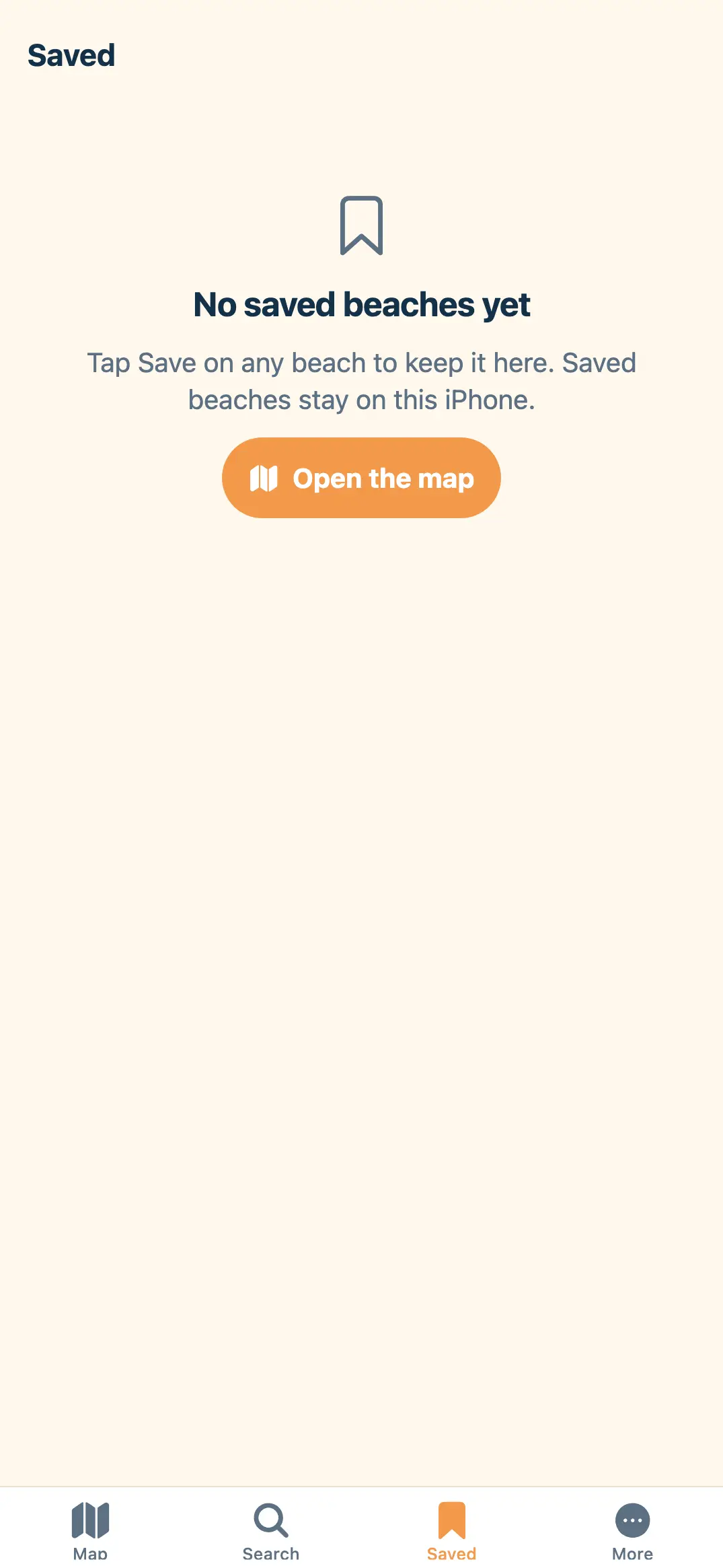
Free keeps five saved beaches. Saving a sixth opens the BeachGrade Plus screen; with Plus there's no limit. Saved beaches stay on this iPhone; there's no account, so they don't move to another phone.
Compare
- Save at least two beaches.
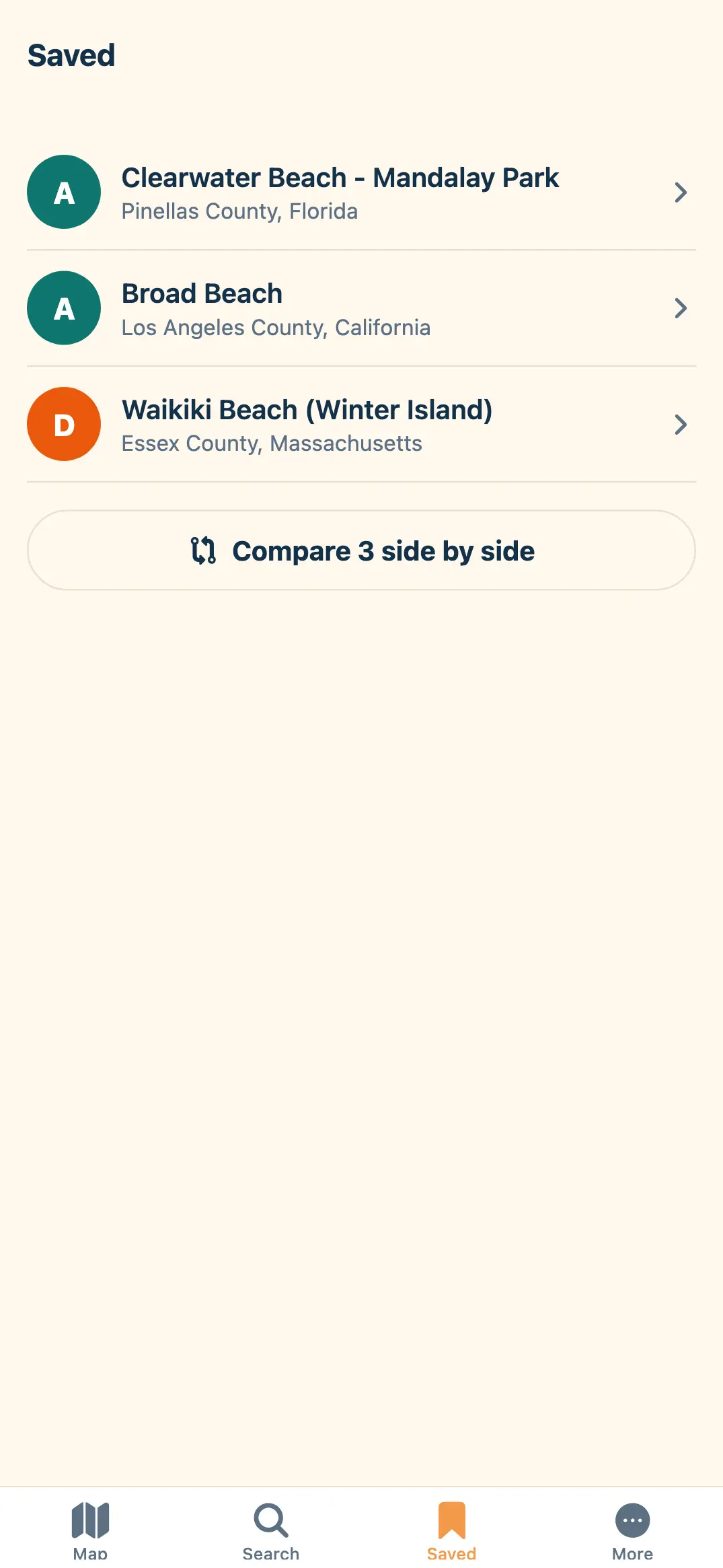
- In Saved, tap Compare … side by side (or More → Compare saved).
- See up to three side by side: Grade, Over the threshold, Samples, Warmest month and Advisory.
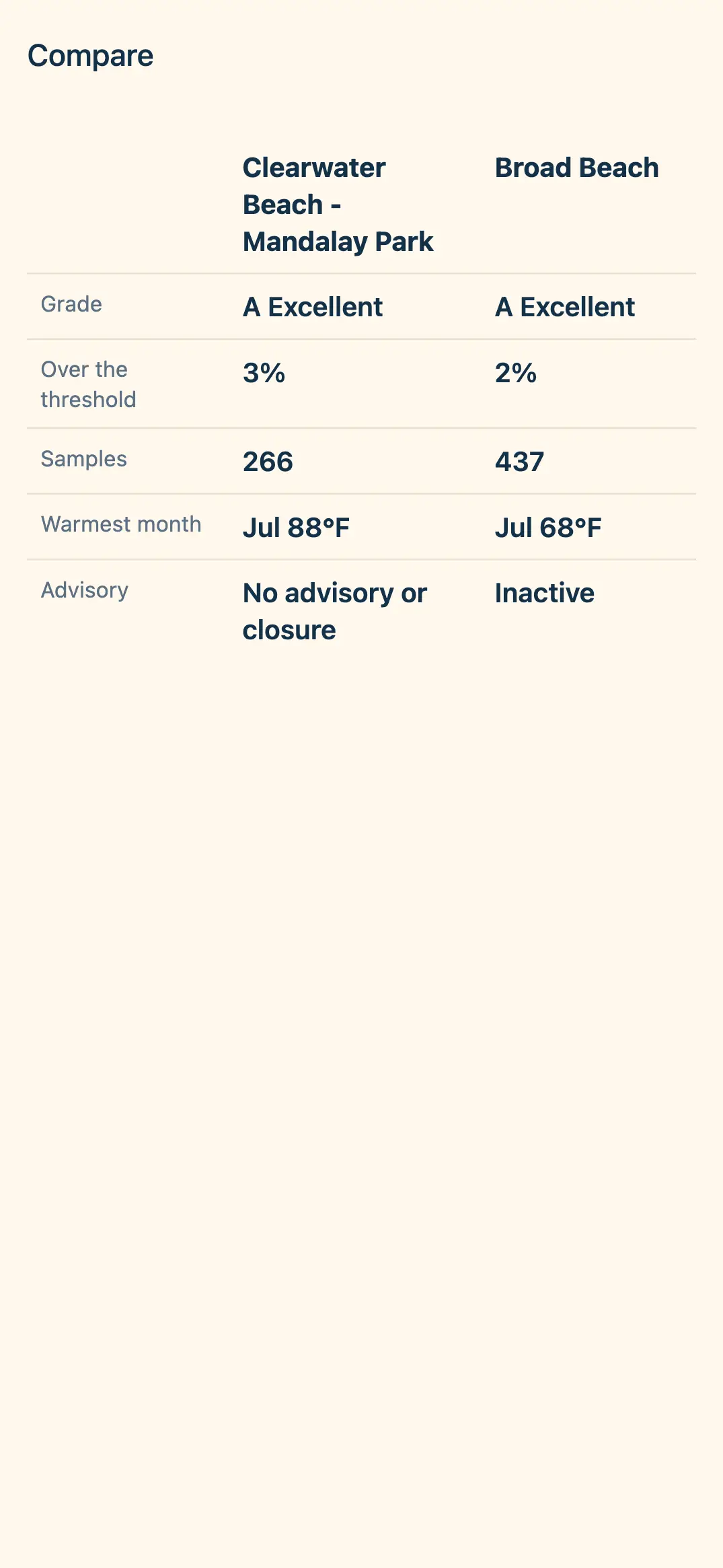
Compare is part of BeachGrade Plus. Without Plus, the button opens the Plus screen. See BeachGrade Plus and billing.